
Fair use: when a camera uses more than its plan
Each plan includes free extra room. You only pay more if a camera goes well past it, and you can fix that.
By the end you will know how much video each plan includes, how much free extra room you get, and when a camera can cost more. Most cameras never come close. This mostly happens when a camera is set higher than its plan.
Step by step
- Know your plan's speed
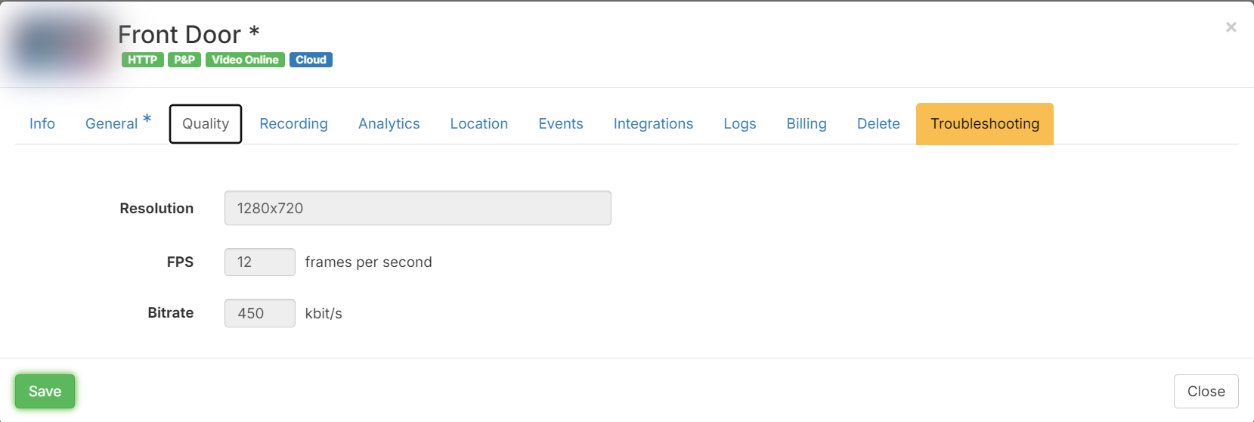
Every plan has a set speed, called the bitrate. Mobile (720p) is up to 400 kbit/s, Pro (1080p) up to 750 kbit/s and 4K up to 1,600 kbit/s. Your plan expects the camera to send about that much, all day.
- Free extra room is included
Every plan includes free extra room on top. Short plans get more room, up to 40%. Long plans get less, down to 5%, but that is still a lot of video because the plan is bigger. Normal ups and downs never cost extra.
- When it can cost more
A camera costs more only when it uses more than its plan plus the free extra room, month after month.
- How the extra is worked out
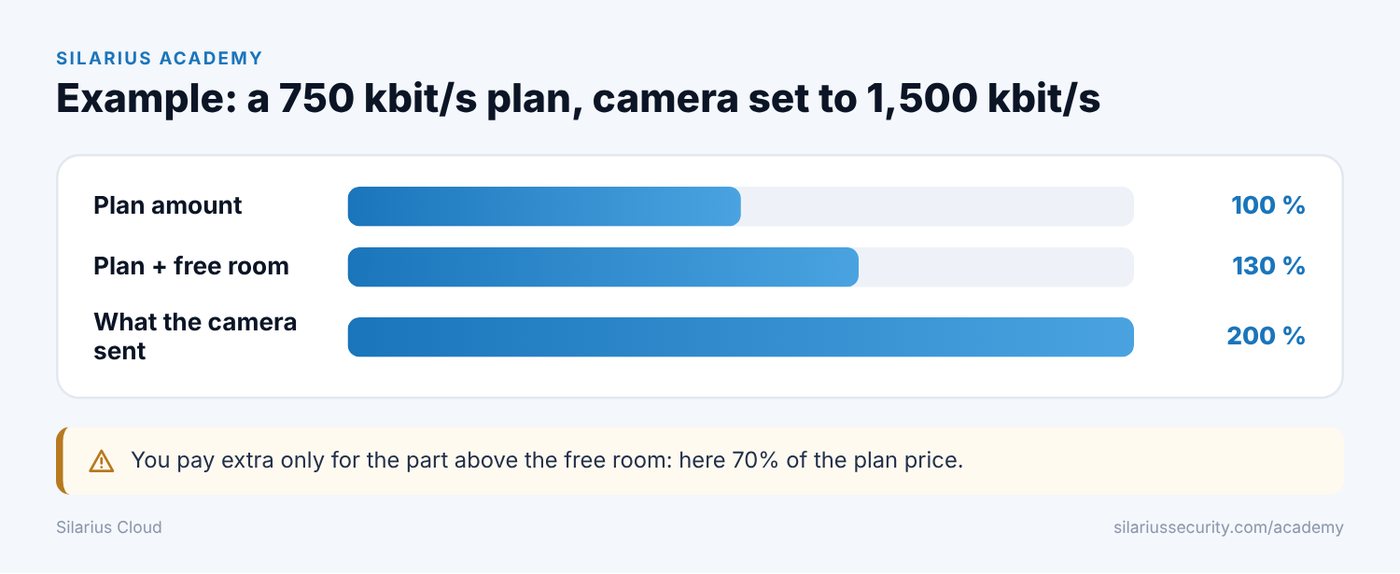
You pay only for the part above the free room. If a camera uses 70% more than its plan and free room allow, you pay 70% of that camera's plan price on top. Nothing is charged for the part inside the free room.
- Fix it and the extra stops
Set the camera to the plan's speed, or move the camera to a bigger plan. Silarius support can help: get free remote setup help.
An example
- The plan allows 750 kbit/s.
- The camera is set to 1,500 kbit/s. That is 200% of the plan.
- The free room on this plan brings the limit to about 130%.
- 200% − 130% = 70% over.
- The extra for that month is 70% of the camera's plan price.
What usually causes it
- The camera is set to a higher bitrate or picture size than its plan. This is the most common cause.
- People watch the camera for many hours every day, like a screen left on all day.
- The camera is on a live screen 24/7 with a plan that is not made for that.
- A setting changed after a firmware update or a reset.
Silarius Cloud also pushes the camera back
When a camera keeps sending more than about 20% over its plan, Silarius Cloud tries to put the right settings back on the camera. See My NVR or camera keeps restarting.
Good to know
- Check a new camera's Quality tab after you add it. Make sure its bitrate matches the plan.
- For a screen that shows cameras all day, ask Silarius which plan fits.
Common questions
Will you tell me if a camera goes over?
Yes. Silarius lets you know, so you can fix the camera or pick a plan that fits. Questions about your bill: email us.
Still stuck? We'll do it with you, free.
Silarius customers can get free remote help: sign in, click one button, and a Silarius technician joins your computer.