
How tracking cuts duplicate alerts
Learn how Silarius Cloud follows a person or car in one camera view so you don't get the same alert again and again.
By the end you will know how object tracking works, what re-identification means, and what it can't do yet.
What is tracking?
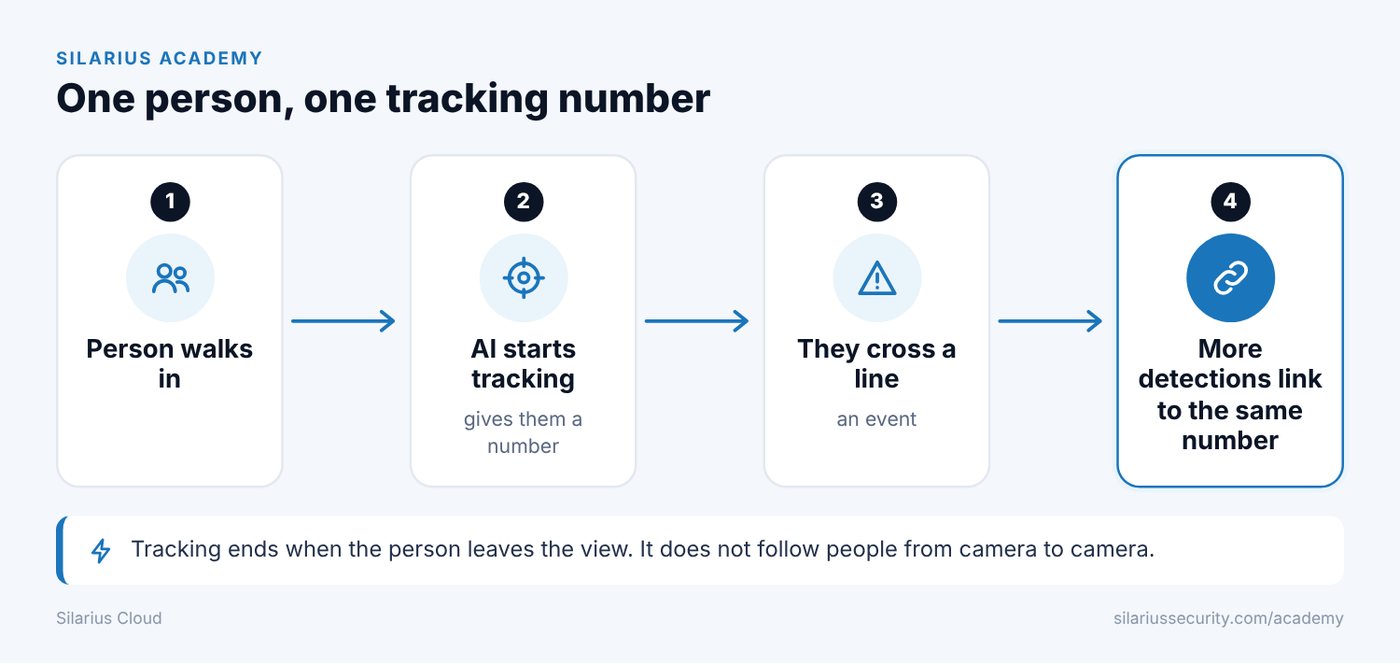
When the AI finds a person or car, it gives it a tracking number. It keeps that number as long as the object stays in view.
If the same person sets off more things, like crossing a line or loitering, those get linked to the same tracking number. They aren't treated as new events. That means fewer repeat alerts.
An example
1. A person walks into the camera view. 2. The AI finds them and starts tracking. 3. They cross a line, which makes an event. 4. They keep walking in view. 5. More detections link to the same person. 6. You don't get a pile of repeat alerts.
What breaks tracking
Tracking works best when the object stays in view and doesn't cross paths with other things. It can break when:
- a person walks behind a parked car, a wall or a bush
- a person stands still for a few seconds, like in a checkout line
- the camera says an event ended, then starts a new one a few seconds later
- another person or thing passes in front of them
The AI was improved to find objects even when they're partly or fully blocked for a moment.
What re-identification means
Re-identification (Re-ID) means knowing it's the same object. Right now this works reliably only while the object stays in view.
Once it leaves:
- tracking ends
- if it comes back, it may count as a new detection
- results depend on the scene, the camera and your settings
Better Re-ID for people who leave and come back soon is still being worked on.
What it does not do
- It doesn't follow a person from one camera to another.
- It doesn't know who someone is.
- It doesn't use face recognition. It uses how things look, how they move and tracking data.
Still stuck? We'll do it with you, free.
Silarius customers can get free remote help: sign in, click one button, and a Silarius technician joins your computer.