
Use events from your camera's own AI
Bring your camera's built-in detections into Silarius Cloud, even without the cloud AI add-on.
By the end you will know how your camera's own detections reach Silarius Cloud, and how they compare to the cloud AI.
Your camera can send its own events
Many cameras have smart features built in. Silarius Cloud can receive their events without the cloud AI add-on.
Camera events can include:
- line crossing
- intrusion
- motion
- area detection
- person or car detection
- other built-in smart events
Which ones you get depends on the camera model, its software and what it supports.
How it works
The camera spots something. It makes the event itself. It sends the event to Silarius Cloud. Silarius Cloud saves it and shows it to you.
The video and the events are separate. The camera streams video all the time. Its own rules make events on their own.
ONVIF Profile M
ONVIF Profile M is a part of the ONVIF standard for smart camera data. Cameras that support it can send things like object types and event alerts in a standard way.
For example, if your camera does line crossing by itself, it can send that event to Silarius Cloud. You don't need the matching cloud AI feature for it.
Profile M alone doesn't promise every smart feature will work. It must be checked for each camera model and event type.
Where you'll see these events
- The Silarius Cloud web app
- Silarius Cloud Admin
- Event logs
- Webhooks
Camera AI vs. cloud AI
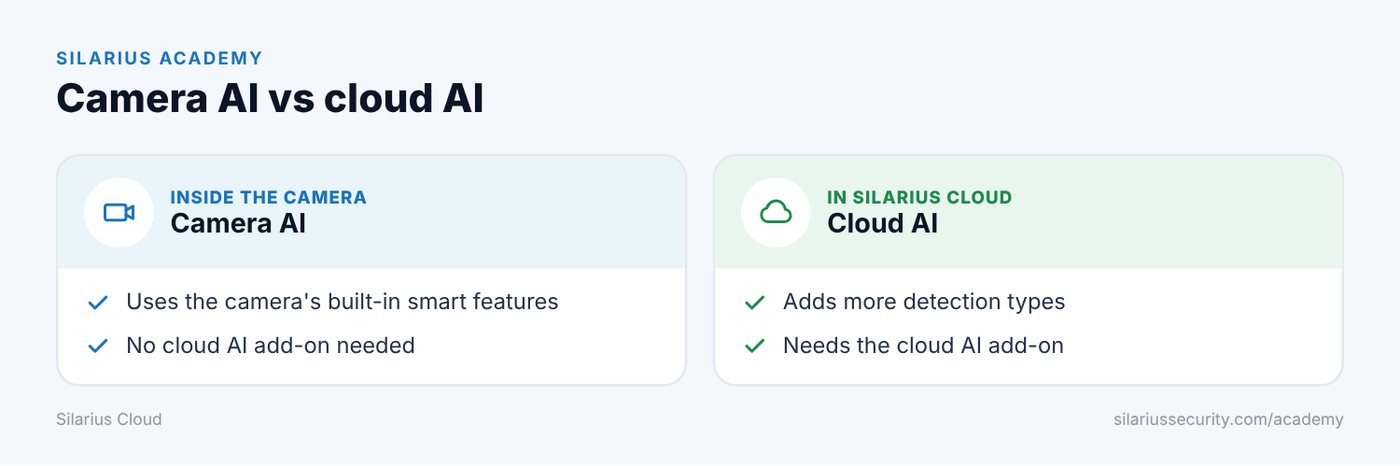
- Camera AI: runs inside the camera. Uses the camera's built-in features. Doesn't need the cloud AI add-on.
- Cloud AI: runs in Silarius Cloud. Adds more detection types. Needs the cloud AI add-on.
You can use camera AI only, cloud AI only, or both (when supported).
Can I control camera AI from Silarius Cloud?
It depends on the camera. If its smart features follow ONVIF, you can control them through Silarius Cloud.
Good to know
- Not sure if your camera's events will work? Contact Silarius support: get free remote setup help or email us.
Still stuck? We'll do it with you, free.
Silarius customers can get free remote help: sign in, click one button, and a Silarius technician joins your computer.