
Stop false detections
Find out why the AI reports things that aren't there or still things as moving, and how to fix it.
By the end you will know the most common causes of false AI alerts and what to change on your camera to cut them down.
Why false detections happen
Even smart AI can get fooled in hard conditions. It may think part of the picture is an object. Or it may report something still, like a parked car, as moving. Here are the usual causes and fixes.
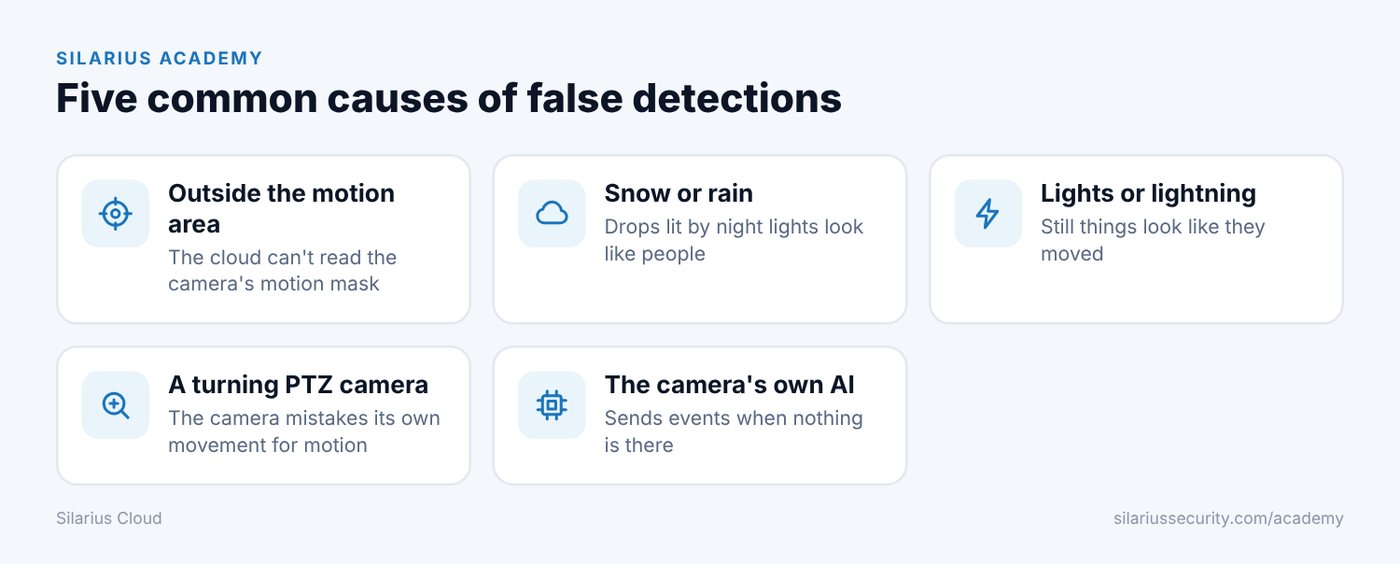
1. Things found outside the motion area
This mostly happens with cameras that don't let Silarius Cloud read their motion settings over ONVIF. Silarius Cloud can't see the camera's motion mask, so it can't use it. You may see a message that motion detection or other detectors aren't available.
You can't fully stop this today. But you can cut it down. Tune the camera's motion detection so it sends fewer false events. Fewer false events means fewer chances for something outside your area to be found. Camera makers also release updates that improve ONVIF support.
Also check your AI mask. Areas inside the AI mask can be found no matter where the motion was. See Motion masks vs. AI masks.
2. Snow or rain looks like a person
In heavy rain or snow, and most of all at night when the camera's IR (night lights) light up the drops, the AI can see shapes that look like people. Sometimes it's quite sure, too.
Why: a slow shutter stretches each drop into a line. Lines cross and can form shapes that look human. Heavy video squeezing (compression) makes the blocky edges worse.
Fix:
- Use a faster shutter speed.
- Raise picture quality.
- Don't set the bitrate (how much data the camera sends each second) too low. A low limit makes the camera squeeze the video harder and adds blocky edges.
3. Lights or lightning make still things look like they move
Motion detection reacts to changes in brightness. Lightning can light the whole scene at once. Car headlights can light part of it.
The camera then sends a motion event. The AI looks and sees a parked car that suddenly changed brightness. It may report it as moving.
Fix: use line crossing or intrusion instead of plain motion where you can. These watch for things crossing a line or entering an area, not for brightness changes.
4. A PTZ camera reports still things while it turns
A PTZ camera can pan, tilt and zoom (turn and zoom by remote). When it moves, the whole picture changes. Many PTZ cameras can't tell their own movement from real motion, so parked cars can show up as moving.
Fix: higher-end PTZ cameras can tell the difference and don't send false alerts while they move.
5. The camera's own AI keeps sending events
Some cameras have their own built-in object detection. It can send detection events even when nothing is there, and playback may show a black screen.
Fix:
- In the camera's own web page, check every detector. Turn off the camera's own object detection features if you don't need them.
- Look for a multi-object AI feature on the camera. On some cameras it keeps sending object events even when all other detectors are off. Turn it off.
- Keep the camera's software (firmware) up to date.
Good to know
- Raising the confidence number can cut false alerts. See Confidence sliders made simple.
- Better picture settings help a lot. See Get the best camera picture for AI.
Common questions
Can the AI find someone who is partly hidden?
Yes, often. The detection was improved to find objects even when other things partly or fully block them for a moment.
Who can help me tune a hard camera?
Please contact Silarius support: get free remote setup help or email us.
Still stuck? We'll do it with you, free.
Silarius customers can get free remote help: sign in, click one button, and a Silarius technician joins your computer.