
Find a moment fast with thumbnails
Use small still pictures from your recordings to spot the moment you need, and fix thumbnails that look broken.
By the end you will use thumbnails to find a moment in seconds instead of watching hours of video. You will also know what to check if thumbnails look broken.
What you need
- You are signed in to the Silarius Cloud web app
- A camera open on your screen
Step by step
- Show the thumbnails
Click the Thumbnails button in the bottom toolbar. A row of small pictures shows above the timeline.
- Pick the time range
Move your mouse over the timeline. The pictures change to match that part of the timeline.
- Change the gap between pictures
Roll the mouse wheel while pointing at the timeline. Or use the time scale list in the bottom toolbar. A wider timeline means more time between pictures.
- Play from a picture
Look at the time printed under each picture. Click the picture you want. The video plays from that exact moment.
The thumbnail grid
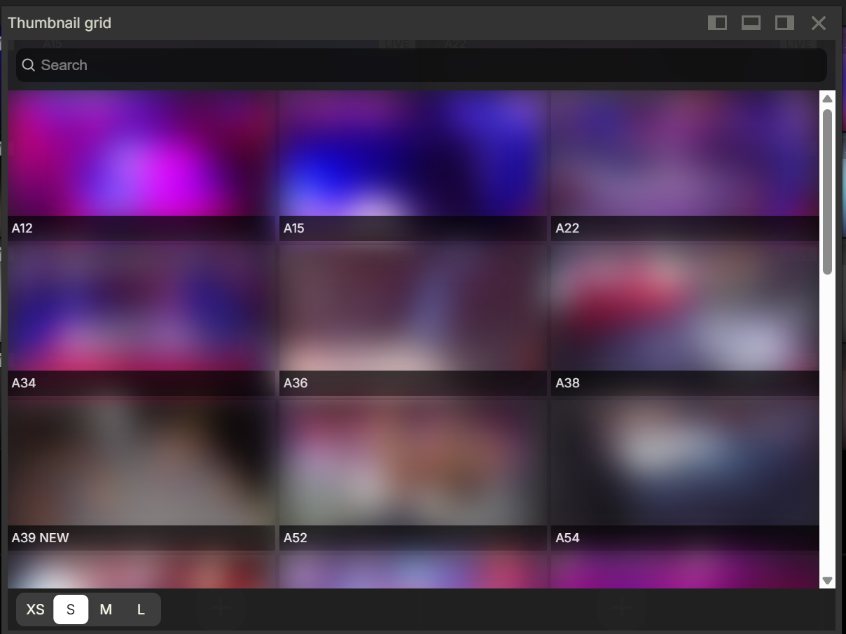
Want lots of pictures at once? Click Thumbnail grid in the top menu, or the Thumbnail button on the camera toolbar. You get a grid of snapshots from the recorded video, so you can scan for an event fast.
Thumbnail missing or broken?
A broken picture usually means the camera's video had a problem. The system needs extra time to fix it up. The right picture usually shows within a few seconds.
If it keeps happening, your installer can check these camera settings:
- Turn off any "smart" video compression, changing frame rate (FPS, the number of pictures per second) or changing GOP (how often the camera sends a full picture).
- Make sure the camera clock shows the right time.
- Keep the camera's bitrate (how much data per second it sends) inside what your plan allows. Setting it too low can also break up busy scenes.
- Make sure the site's internet upload is fast enough, with a delay (latency) of 100 ms or less.
- If other recording software or devices also use the camera, give each its own video stream, or make the settings match.
- Don't turn on lots of picture effects on the camera at once (like WDR, defog and HDR). They can overload the camera.
Good to know
- Thumbnails are real snapshots from the camera, so the time under each one is exact.
Common questions
I checked everything and thumbnails still break. What now?
Please contact Silarius support: get free remote setup help or email us.
Still stuck? We'll do it with you, free.
Silarius customers can get free remote help: sign in, click one button, and a Silarius technician joins your computer.