
Automatic SD card recovery (Profile G): why we don't recommend it
Learn what automatic SD card recovery is, what it needs, and why a manual backup is safer.
By the end you will know what automatic SD card recovery does. You will also know why we suggest a safer way to fill gaps in your video.
Automatic SD card recovery can cut live video for all cameras on a slow connection.
What it is
Automatic edge recording recovery tries to fill gaps in your cloud video. It pulls the missing parts from the camera's SD card (memory card) after the internet comes back.
It needs cameras that support ONVIF Profile G. ONVIF is a common language many cameras speak. Profile G is the part of it for recording and playback on the camera.
Why we don't recommend it
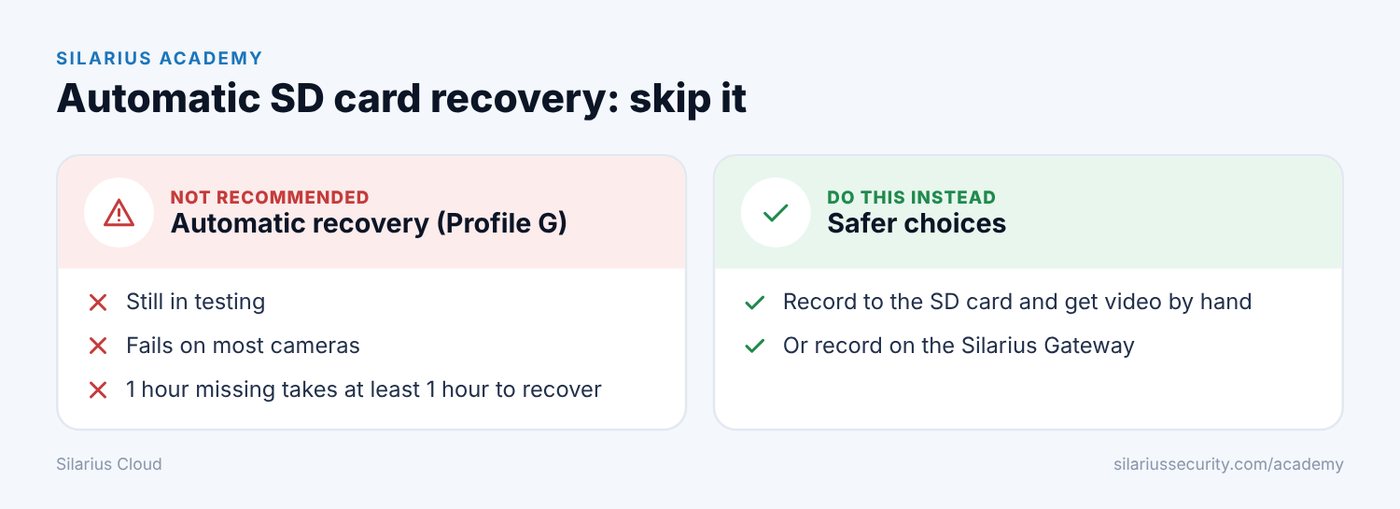
This feature is still in testing. It is not recommended for everyday use.
Many cameras say they support Profile G. But in real use, recovery fails on most of them. It often makes things worse:
- It can make new gaps instead of fixing old ones.
- It can overload your internet.
- It can stop live video for every camera on the same network.
- On slow internet, it can get stuck trying again and again.
The sad part is that people try it on sites with poor internet. That is exactly where it works worst.
What it would need (all of it)
Every one of these must be true just to give it a chance. Even then, it may not work.
- The camera stays online and reachable.
- Your upload speed is at least 2 times the total bitrate of all cameras. 3 times is better. Example: 5 cameras at 1 Mbps each need more than 10 Mbps upload.
- An SD card is in the camera and records all day, every day.
- The camera saves the same video stream to the card that it sends to the cloud.
- The card is big enough to cover your longest internet outage.
- The video on the card plays back with no breaks.
- The camera clock is right for its location. It should match the time zone set in Silarius Cloud Admin. Setting the clock from an internet time server is best.
- The camera's video settings match its settings in Silarius Cloud exactly.
It also has to be turned on for each camera by Silarius support.
It is slow
Recovery runs at normal speed. One hour of missing video takes at least one hour to recover. One day takes at least one day.
It also takes time to start. Even a one-minute gap can take about an hour to fill.
What to do instead
- Keep recording to the SD card, and get video from it by hand when you need it.
- Or use the Silarius Gateway. It can record at the site and lets you choose what missing video to pull back, and when. That keeps your internet from being flooded.
Still stuck? We'll do it with you, free.
Silarius customers can get free remote help: sign in, click one button, and a Silarius technician joins your computer.