
Deleting cameras and users, and canceling
Know what is lost when you delete something, and how to cancel your account.
By the end you will know exactly what is erased when you delete a camera, a user or your whole account, and how to cancel.
Deleted video can't be brought back by anyone.
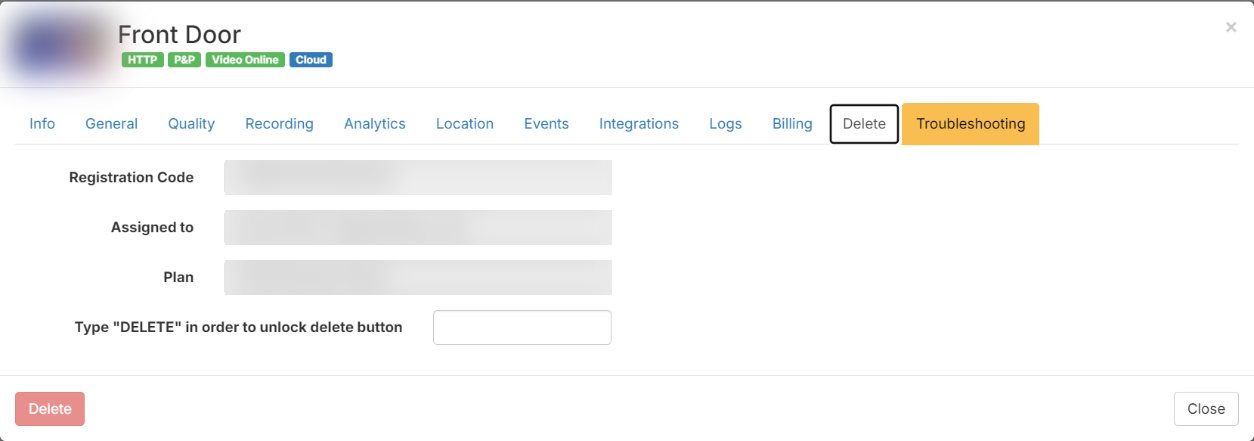
Deleting a camera
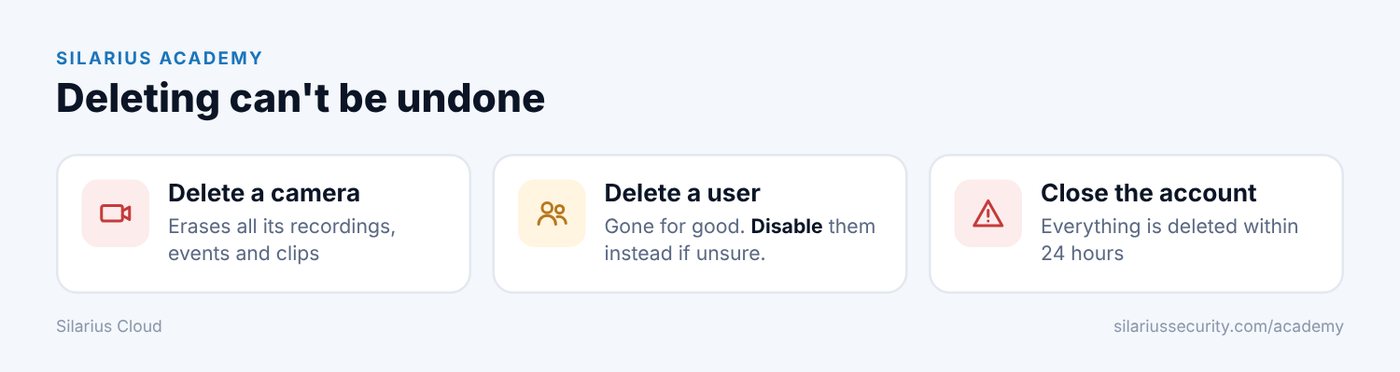
Deleting a camera erases all of its recordings, events and clips. Only a log note stays, saying the camera model and who deleted it, and when. This can't be undone.
If you only want to stop recording for a while, turn the camera off instead. A turned-off camera shows a crossed circle, and new video from it isn't stored.
Deleting a user
Deleting a user can't be undone. If you might need them again, disable them instead. You can turn a disabled user back on any time. See Edit, disable or delete a user.
Closing a whole account
When a whole account is closed:
- All users, cameras, alerts and webhooks are deleted.
- All video, saved clips and events are deleted within 24 hours.
- There is no way to bring any of it back.
- Only activity logs stay. They show what each user did and the IP address they signed in from.
How to cancel
To cancel your Silarius Cloud account, or to ask about your plan, contact Silarius: request a quote or email us.
Good to know
- Before you delete a camera or cancel, download any clips you want to keep.
Still stuck? We'll do it with you, free.
Silarius customers can get free remote help: sign in, click one button, and a Silarius technician joins your computer.