
Missing or broken event pictures (thumbnails)
Why an event's small preview picture is missing or broken, and how to stop it.
By the end you will know why an event's small picture (thumbnail) is sometimes missing or broken. You will know the camera settings that help.
Why it happens
Silarius Cloud tries to show events fast. If the video from the camera has bad data, making the picture takes longer than sending the event. So you may see a broken picture at first.
The right picture usually shows up a few seconds later.
How to make it happen less
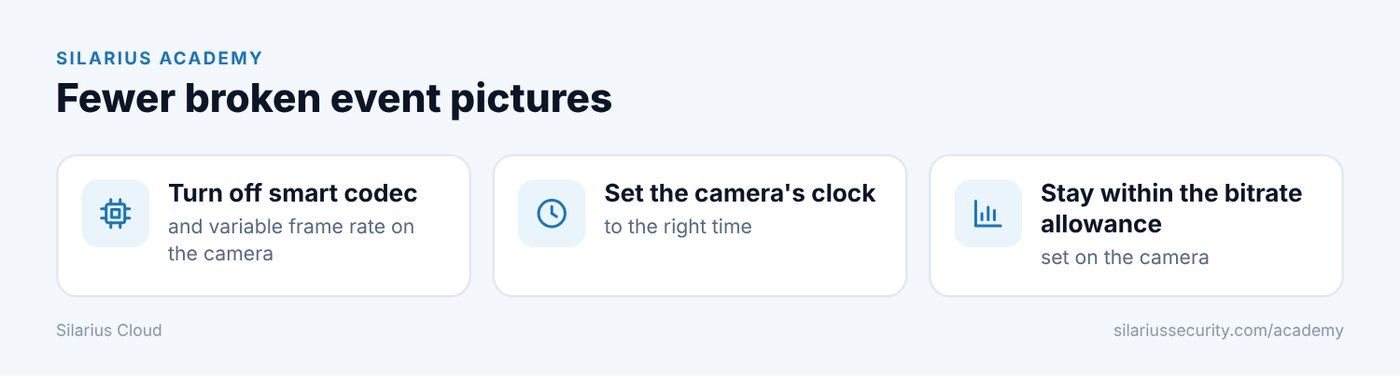
- Turn off smart codec, variable frame rate and changing full-picture intervals on the camera.
- Set the camera's clock to the right time.
- Keep the camera within its bitrate allowance. A limit set too low can break up the video in busy scenes. Going over the limit can drop frames.
- Make sure the site has enough upload speed, with a delay (latency) of 100 ms or less. Higher delay can break up video.
- If the camera is used by more than one system, give each its own stream or use the same settings for all.
- Don't turn on lots of camera picture features (like WDR, defog and HDR) at once. They can overload the camera.
Still stuck? We'll do it with you, free.
Silarius customers can get free remote help: sign in, click one button, and a Silarius technician joins your computer.