
How recording, quality and storage work
Understand that Silarius Cloud records all the time, and what changes how much video you keep.
By the end you will know why Silarius Cloud records all the time, how long video is kept, and which settings change picture quality and data use.
It records all the time
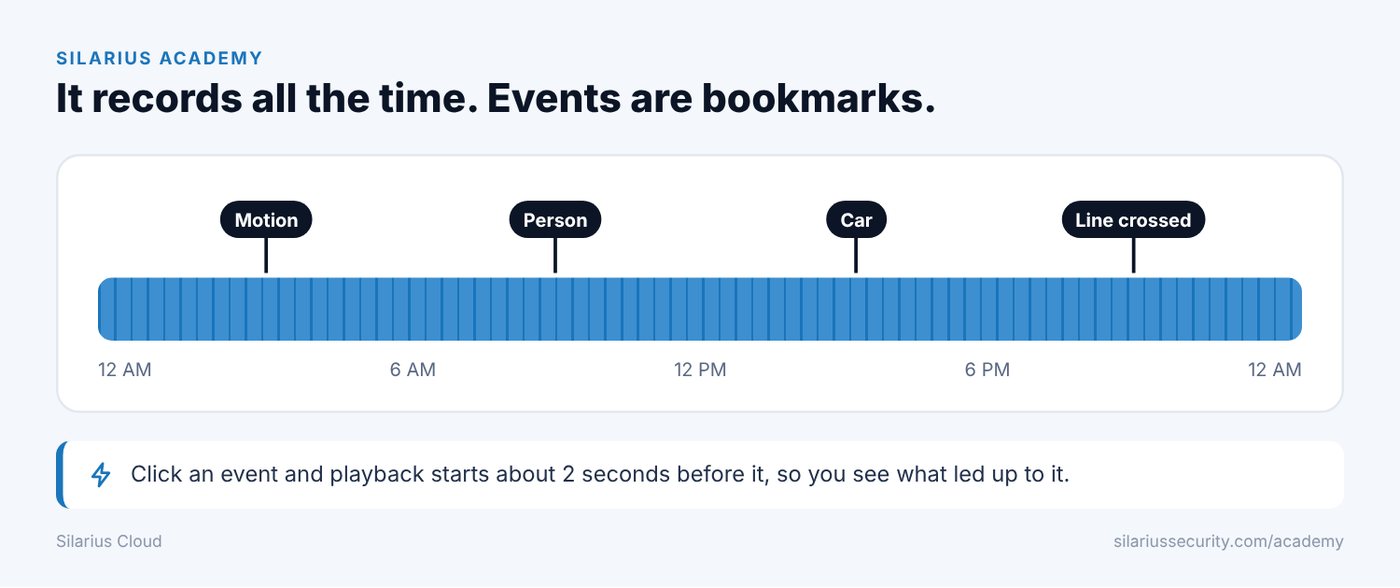
Your camera sends video to the cloud all day and all night. Silarius Cloud records it the whole time.
Motion does not start or stop the recording. Events (things the camera notices, like motion or a person crossing a line) work like bookmarks. They mark the spot in the video so you can jump right to it.
Why that matters
Some systems only record when the camera notices something. That can miss important video. For example:
- The camera might not notice what happened.
- The camera might notice it too late.
- What happened might not match the camera's detection settings.
With Silarius Cloud, the video is there anyway, as long as it is still inside your retention time.
Events help you find the video
When you jump to an event in the web app, playback starts about two seconds before it. That way you can see what happened just before.
Retention: how long video is kept
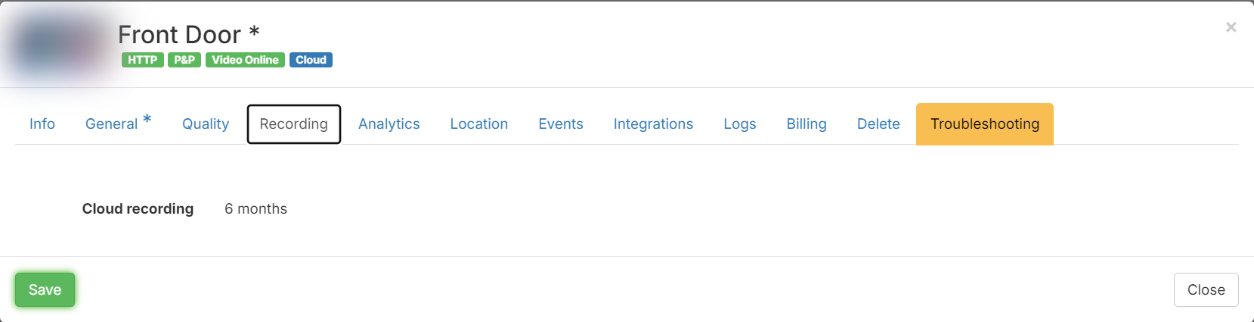
Retention is how many days your video is kept in the cloud. Your account has a default setting. An owner or admin can change it for one camera in Silarius Cloud Admin, on the camera's Recording tab. What you can pick depends on your plan.
Questions about plans? Contact Silarius: request a quote or email us.
What changes picture quality
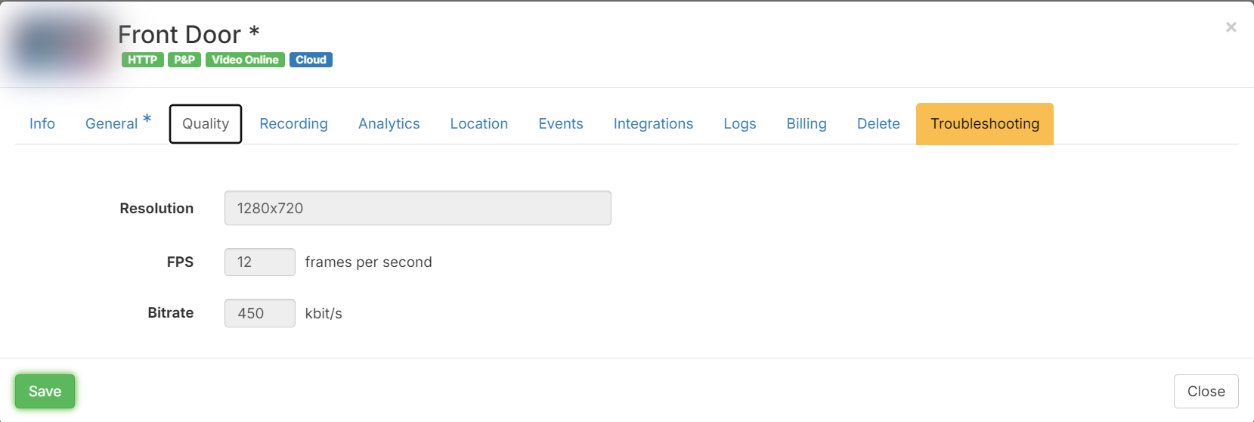
In Silarius Cloud Admin, a camera's Quality tab has these settings:
- Resolution: how sharp the picture is. Higher means more detail.
- FPS (frames per second): how many pictures are saved each second. Fewer frames use less storage, but fast things can look jumpy.
- Image quality slider: move it toward quality for a nicer picture. That uses more internet and more storage.
- Bitrate: how much data the camera sends each second. You set a target and Silarius Cloud tries to stay near it.
Some cameras squeeze video very well. Their bitrate goes up and down with the scene, which saves storage. Which choices you see depends on your plan.
Watching uses data too
Each time someone watches a camera, video comes down from the cloud. Lots of people watching lots of playback adds up.
Silarius Cloud is not meant to be left on all day like a wall of TVs. To help, the web app signs out people who have done nothing for 30 minutes.
Common questions
Can I make it record only when there is motion?
No. Silarius Cloud records all the time. Motion and other events just mark the spot so you can find it fast.
Why did the web app sign me out?
It signs you out after 30 minutes with no activity. Just sign in again.
How much does more storage cost?
Contact Silarius: request a quote or email us.
Still stuck? We'll do it with you, free.
Silarius customers can get free remote help: sign in, click one button, and a Silarius technician joins your computer.