
Keyboard and mouse shortcuts
Save time with quick keys and mouse tricks in the web app.
By the end you will know the handiest keys and mouse tricks. They help you do common jobs faster.
What you need
- You are signed in to the Silarius Cloud web app
See every shortcut
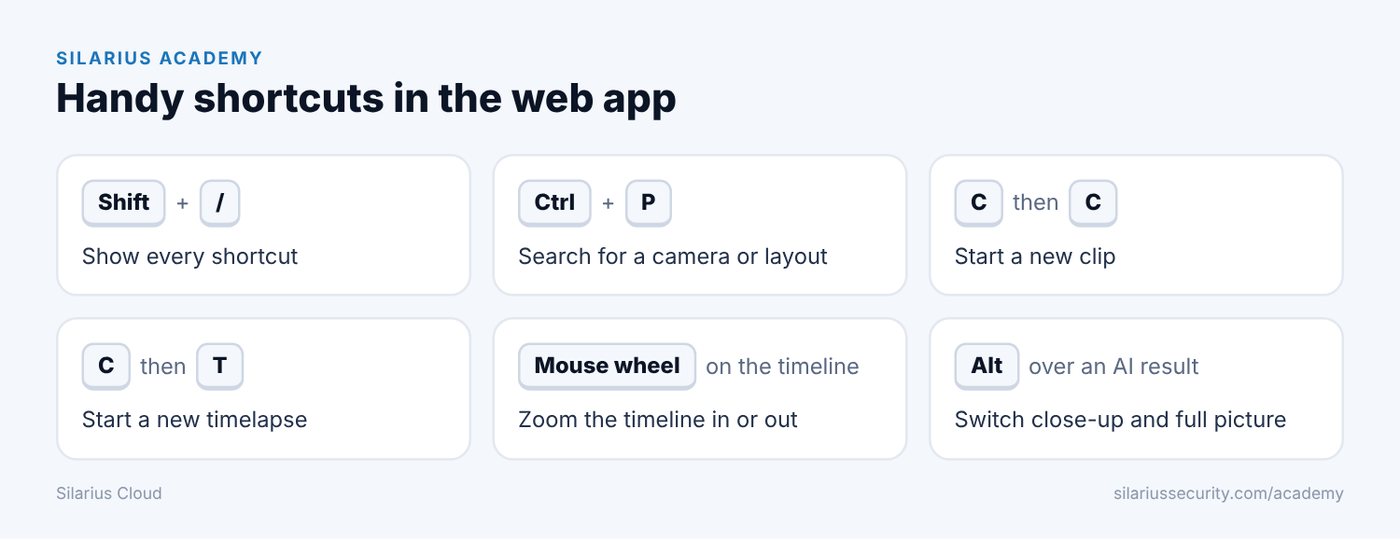
Press Shift and / together (the same key as ?). A help window lists all keyboard shortcuts.
Handy keyboard shortcuts
- Ctrl + P: search for a camera or layout from any menu.
- C then C: start a new clip.
- C then T: start a new timelapse.
Mouse tricks
- Mouse wheel on the timeline: zoom the timeline in or out.
- Click and drag the timeline: move to an earlier or later time.
- Mouse wheel on the volume bar: turn the sound of the selected camera up or down.
- Click the mouse wheel on a camera: close that camera. (Clicking the wheel is the third mouse button.)
- Drag a camera or event into a box: play it in that box.
Area search shortcuts
These work while the area search tool is open:
- R: draw a rectangle.
- A: draw any shape.
- H: show or hide your drawn areas.
- Delete: remove the selected area.
- Shift + Delete: clear all areas.
AI search shortcut
- Hold Alt (or Option on a Mac) over a result to switch between the close-up and the full picture for a moment.
Still stuck? We'll do it with you, free.
Silarius customers can get free remote help: sign in, click one button, and a Silarius technician joins your computer.