
VPNs and your cameras
What a VPN does, how it affects video, and when to use one.
By the end you will know what a VPN is good for with cameras. You will also know why you should not run your cameras over one all the time.
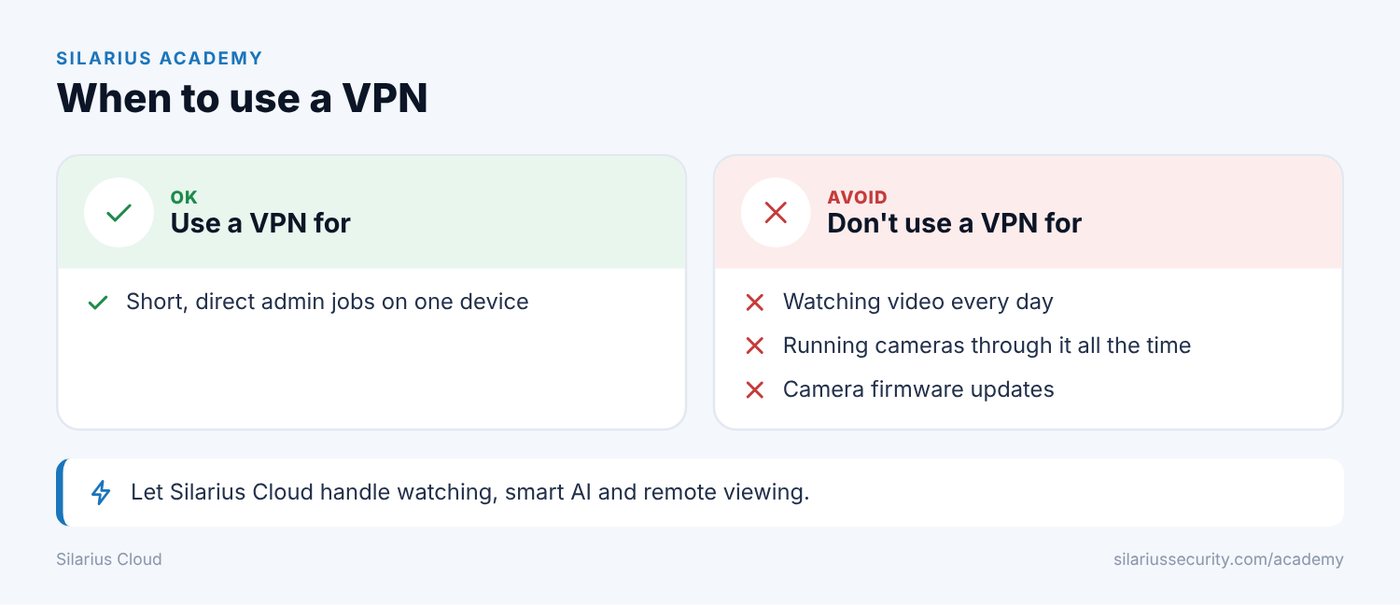
Don't update camera firmware over a VPN.
What is a VPN?
A VPN (virtual private network) is a private, locked tunnel over the internet. It lets you reach devices on a far-away network as if you were there.
With cameras, people use a VPN for short admin jobs. For example, opening a camera's own web page from far away without opening it to the whole internet.
What a VPN does not do
A VPN only carries traffic. It does not change how your cameras or Silarius Cloud work. It does not make video better or steadier.
How a VPN can slow video down
- The locking (encryption) adds delay.
- Cheaper routers can slow traffic down a lot.
- Data can get broken into odd sizes, which can break up video.
- Live video can lag more.
- It can get shaky when mixed with other secure connections.
If you pay for an outside VPN service, all your traffic goes through that company. Your privacy then depends on their rules.
It can hide real problems
A VPN can cover up issues like wrong routing, bad firewall rules, slow internet or a busy local network.
Camera firmware updates are risky over a VPN. The update can fail, stop halfway or even damage the device.
Best way to use a VPN
- Check video right at the camera first.
- Let Silarius Cloud handle watching, analytics and remote viewing.
- Use a VPN only when you need short, direct admin access to a device.
- Don't run cameras over a VPN all the time.
Still stuck? We'll do it with you, free.
Silarius customers can get free remote help: sign in, click one button, and a Silarius technician joins your computer.